
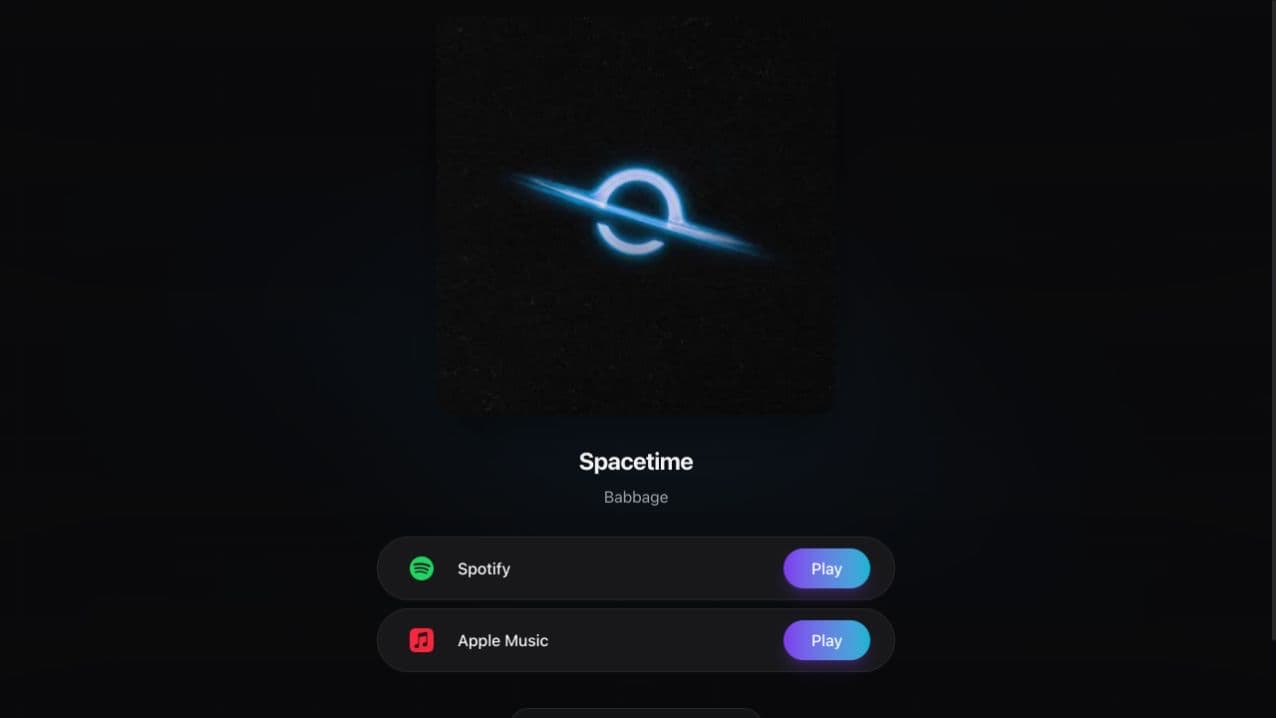
VLVTN is our public smart-link product. We opened the live Spacetime link, checked its destinations, and inspected committed rendering and tracking code. The useful workflow is small: identify the release, choose a service, and record that outbound choice without presenting it as a confirmed stream.
The public page has one immediate job.
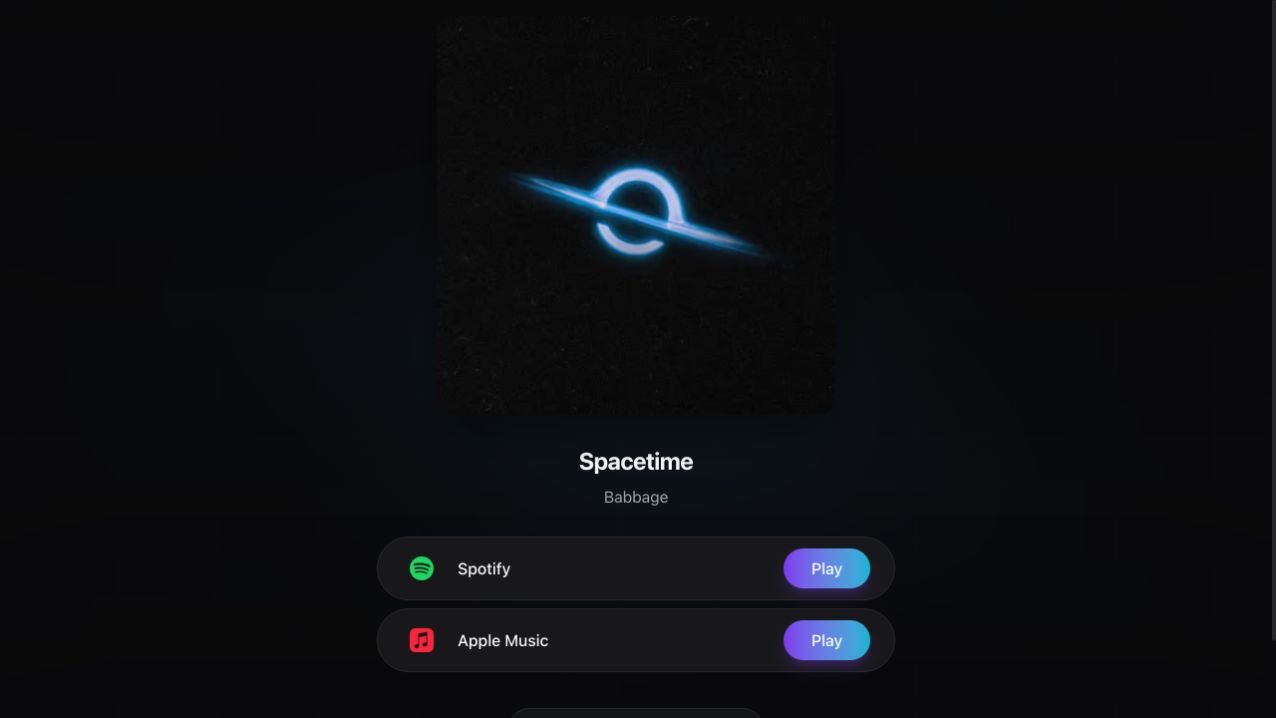
The Spacetime page shows artwork, the release name, Babbage’s artist name, and Spotify and Apple Music choices. It does not ask the listener to learn the product’s dashboard before finding the music.
Those were the destinations visible on the page when we checked it. A smart-link product supporting more services does not mean every individual release has every destination configured. The story describes the actual page, not a maximum platform count.
We inspected the link targets without generating an outbound conversion. The screenshot contains the real public release presentation. It does not show private campaign results or a hypothetical analytics dashboard.
Available destinations determine the choices.
Committed rendering code takes the configured streaming links and a display order. It normalises common platform names, keeps configured destinations, and appends links that were not included in the requested order. A row uses the relevant platform label and destination URL.
That design separates data from presentation: the page can retain the same job while a release has different services or an editor changes their order. It also creates a responsibility to keep destination information current. A polished button still needs to point to the right recording.
For another application, this resembles a portal with several next steps: a useful page presents the actions available for the current record and makes their consequences understandable.
The measured event is the handoff.
The tracking code distinguishes page views, destination click-outs, and email signups. When a configured Meta integration is active in the standalone path, the click tracking supplies one event identifier to both its browser and server conversion calls. We checked that implementation; we did not test a campaign’s delivery or attribution.
A recorded destination click shows a choice on the landing page. It does not prove playback, a save, a follow, a purchase, or a playlist placement. The music service controls the experience after the browser leaves VLVTN.
| Event | What it records | What it does not establish |
|---|---|---|
| Page view | A visit event recorded on the link page | A unique interested listener or a music play |
| Destination click | An outbound service choice | A completed stream or save |
| Email signup | A signup event in its own workflow | Every later email delivery or relationship outcome |
A dashboard needs a precise denominator.
One committed reporting helper calculates click-through rate from destination-click event count divided by page-view event count. Those are events, not necessarily unique people. Repeated visits or choices can affect the result. A different report may intentionally use unique visitors, so the name alone is insufficient.
That is why a metric needs a definition, a date window, and a way to inspect its underlying records. Changing a button’s order might be worth testing, but the dashboard should first tell you which audience and event set the comparison covers.
The small page belongs to a larger system.
The listener page, editor, tracking path, and report are different surfaces of one workflow. A change to a destination needs to reach the public page; a report needs to retain what its events mean. These connections matter even when the visible page is deliberately simple.
For a custom portal, the transferable questions are similar: which next action is available, where does it lead, what event can we actually observe, and how will someone evaluate the result? Our dashboard and measurement guides develop those questions without assuming that more clicks are automatically a better business outcome.
Define the handoff before defining success.
A portal or campaign page should name both its observable action and its downstream uncertainty.
- Choice
- Which destinations are valid for this record?
- Event
- What exactly happens when someone chooses one?
- Definition
- Are the report’s counts events, sessions, or unique people?
- Evidence
- Which downstream outcome requires a separate source?
See the product for yourself.
We checked the public product pages and the implementation behind the workflows on October 11, 2026. These links let you explore the public experience.